My Dino Empire Getting Started Guide
Finish the tutorial, claim RELEASE / BONES / PETS, and turn your first diggers into a Cash loop.
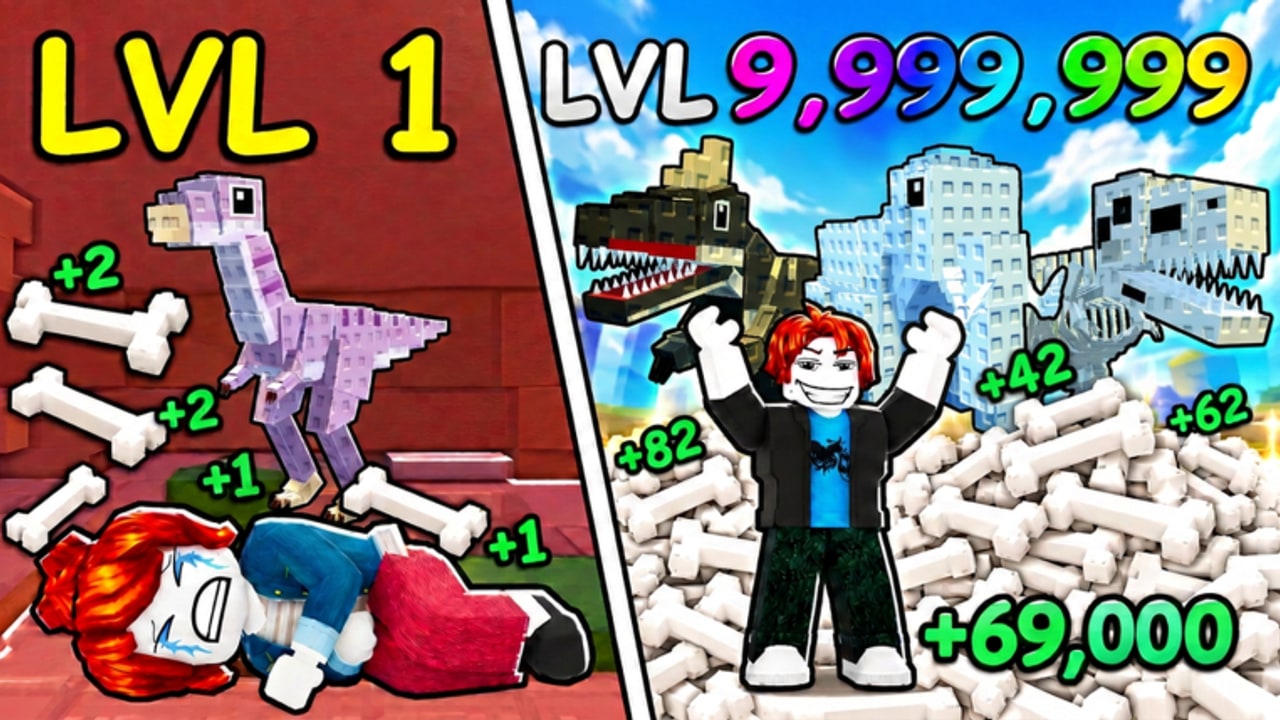
My Dino Empire is a Roblox incremental / idle tycoon by Bone Bandits!, released September 9, 2026. Your job is simple to say and endlessly expandable in practice: spend Cash to roll dinosaurs of different rarities, place those dinos in base pens, let them dig ancient Bones, sell Bones for Cash, then buy more rolls, pens, research, and floors. Servers are sized for six players. The experience is marketed as AFK-friendly (you will not get kicked for idling), and the base continues earning while you are offline.
This page is your day-one route. It is written for My Dino Empire only — not the separate older title My Dino Park. Follow the steps in order so early Cash is not wasted on the wrong upgrade and so you pick up the tutorial and first-egg badges along the way.
Step 1 — Join and finish the tutorial
Open the experience from Roblox, load into your plot, and complete every tutorial prompt the game shows. Bone Bandits! tracks a Completed The Tutorial! badge, so finishing the onboarding is both teaching and account progress. Do not skip prompts that ask you to roll, place a dinosaur, or interact with Bones; those actions unlock the rest of the UI.
While the tutorial runs, note where these panels live so you can return later without hunting:
- Settings (gear) for codes and options
- Roll / egg UI for spending Cash or using eggs
- Pens / spots for placing diggers
- Sell / crush / inventory flows for Bones
- Reward panels for daily, playtime, group, lucky wheel, or supply-drop style claims
Exact button art changes with updates, but the loop never does: Cash → dinos in pens → Bones → Cash.
Step 2 — Redeem codes immediately
As soon as Settings is available, redeem the launch codes printed in the Roblox description. The verified set players rely on is:
- RELEASE — 10,000 Cash
- BONES — 5,000 Cash
- PETS — Basic Egg
Open Settings, scroll to the code box, paste each string exactly, and redeem. Full click-by-click steps live on How to Redeem Codes, and the always-updated list is on the Codes Hub. Join the developer group when prompted if you want group rewards and future code drops.
Spending tip: bank the Cash long enough to finish tutorial placement, then use most of it on early rolls and the next pen unlock rather than random cosmetics. The Basic Egg from PETS should be opened once you understand the hatch UI — there is also an Open Your First Egg! badge for that milestone.
Step 3 — First rolls and placing dinos
Use Cash (and the Basic Egg) to obtain your first dinosaurs. Early rarities will look humble; that is fine. Income comes from diggers sitting in pens, not from a full inventory of unplaced pets. After each roll or hatch:
- Open your dinosaur inventory.
- Assign the best available diggers to empty pen spots.
- Confirm they are actively working (digging Bones), not idle in storage.
If you roll duplicates that are weaker than what is already placed, keep only what you need for upcoming mutations or collection goals and focus Cash on filling empty spots. For deeper rarity and egg spend logic, jump to How to Roll after this checklist.
Step 4 — Sell Bones and feel the Cash loop
Bones are the bridge between diggers and upgrades. Let pens work for a short stretch, then sell (and crush when the crusher is available and worth using) so Cash ticks upward. Do not leave enormous unsold stacks while you stare at the roll button — conversion is what funds the next roll. The economy deep dive is Bones and Cash.
A healthy first-session rhythm looks like: place → wait a short dig cycle → sell → roll or unlock a pen → place again. Repeat until every starting spot is filled with the strongest dinos you currently own.
Step 5 — Unlock pens, research, and floors in sensible order
Empty pens are dead income. After codes and first rolls, prioritize more spots and basic research that improves luck or digging efficiency over flashy floors you cannot staff. Plot level, podiums, floors, crusher, and market trips matter more once pens are occupied. Use Base Upgrades when you are ready to spend beyond the first couple of unlocks.
Community systems you will meet soon include mutations, lucky wheel, daily and playtime rewards, group reward, supply drop, showcase boost, market, and crusher. Claim anything free that does not interrupt a sell cycle; schedule paid research when Cash is above your next intentional roll budget.
Step 6 — Claim rewards and set an AFK-ready base
Before you log off, claim daily / playtime rewards, spin or collect anything that is free, sell Bones so offline progress converts cleanly, and leave pens filled. My Dino Empire advertises that you will not get kicked for AFK and that the base earns offline — details and a leave-ready checklist are in AFK Farming.
First-hour success checklist
- Tutorial finished (badge progress started)
- RELEASE, BONES, and PETS redeemed from Settings
- Basic Egg opened (first-egg badge path)
- All starting pens filled with your best diggers
- Bones sold at least once so Cash is circulating
- Next pen or research target identified
- Daily / playtime / group claims checked
- Bookmarked Codes, this guide, and Tier List Hub for later investment choices
What to ignore on day one
Ignore comparison charts from My Dino Park. Ignore script advertisements until you understand the manual loop — if you later explore automation, read Scripts and Auto Farm with ToS risk in mind. Ignore perfectionism about species names; public stat sheets are still thin, so early play is about filled pens and Cash conversion, not chasing a mythical perfect roster. When you are ready for ranked guidance, use the community-oriented Dinosaurs Tier List and Eggs Tier List, which are framed around progression value and rarity power rather than fabricated DPS tables.
After the first session
Push Cash/min with Bones and Cash, then reinvest into rolls and upgrades using How to Roll and Base Upgrades. Skim Updates and November 2026 Update when the client feels different after a patch. Check Players for badge and community context. Come back to this page only when you reset an alt or help a friend — the advanced pages assume you already know how to place a dino and sell Bones.
Play honest to the loop, spend code Cash on capacity and rolls, and your empire starts compounding before the first overnight AFK session even finishes.
Frequently Asked Questions
Quick answers for My Dino Empire on Roblox.
What should I do first in My Dino Empire?
Finish the tutorial, redeem RELEASE, BONES, and PETS in Settings, place diggers in pens, sell Bones for Cash, then unlock more pens.
Where do I redeem codes?
Open the Settings gear, scroll to the code box, enter the code exactly, and redeem. See How to Redeem Codes for the full click path.
Why am I not earning Cash?
Dinosaurs only dig when placed in pens, and Bones only become Cash when you sell (or process) them. Fill spots, wait for digs, then sell.
Is the game AFK friendly on day one?
Yes. Bone Bandits! states you will not get kicked for AFK and that the base earns offline. Sell Bones and fill pens before you leave.
Is this the same as My Dino Park?
No. My Dino Empire is a separate 2026 Bone Bandits! incremental game with rolling, bones, and pens — not the older park visitor loop.