Auto Farm Guide for My Dino Empire
Configure Auto Roll, Bone collect, sell, research, and rewards without wrecking your economy — or your main account.
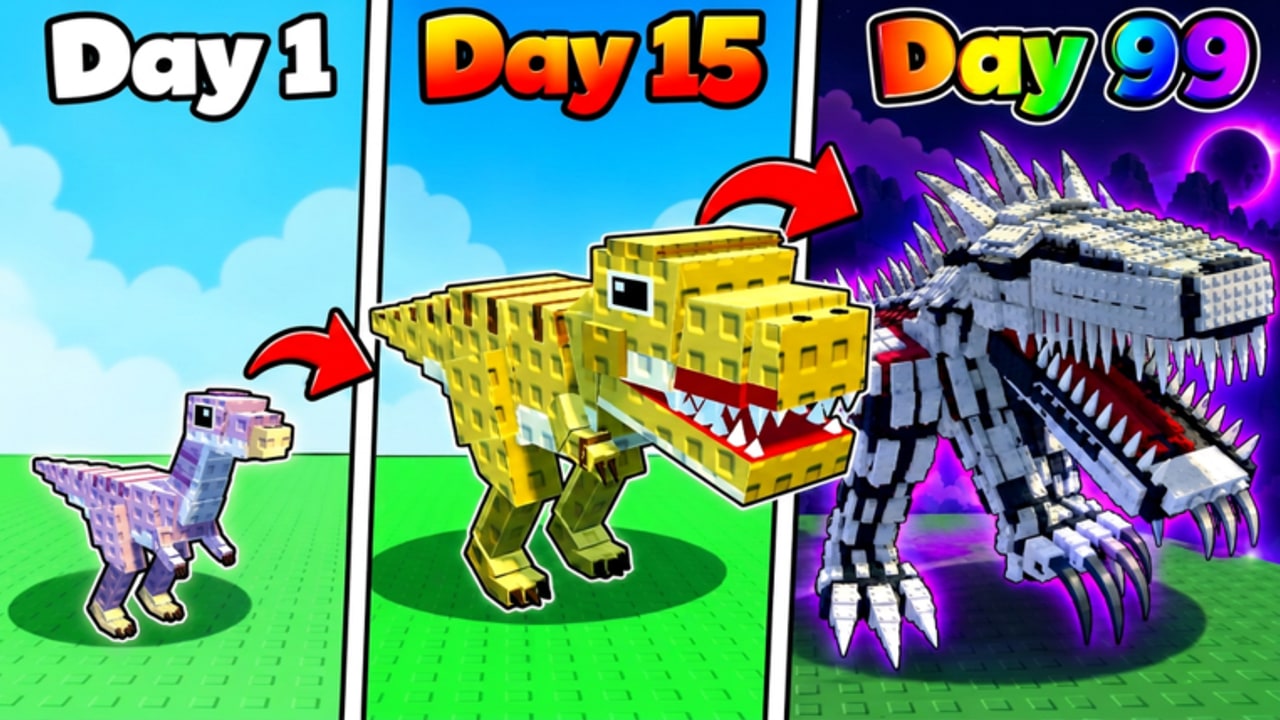
Auto farming in My Dino Empire means letting a script repeat the dig → crush/collect → sell → upgrade → Roll loop while you are AFK. Done well, it compounds offline earnings on a six-player server and keeps pens busy. Done poorly, it burns Cash on bad research, Rolls junk Eggs, or gets the account moderated. This guide explains each major feature, when to enable it, and how to run an executor with less regret. For loadstrings and a side-by-side overview, start at the Scripts hub.
Core loop the farm should copy
Human players succeed by:
- Digging ancient Bones with parked dinos
- Collecting or crushing drops
- Selling Bones for Cash
- Funding research, pens, and Eggs
- Rolling better diggers and repeating
Your auto farm should mirror that order. If Sell runs before Collect, or Roll fires before Cash exists, the script will spam failed actions. Review the economy rules in Bones and cash before you leave a client running overnight, and align leave-running habits with AFK farming.
Feature deep dive
Auto Roll
Automatically spends Cash or Eggs to Roll new dinos. Powerful for filling pens, dangerous if rarity filters are wrong.
- Early game: Enable only when you have surplus Cash after redeeming Codes and unlocking a couple of pens. Prefer scripts with Equip Best so weak Rolls get swapped.
- Late game: Keep Auto Roll on only if you still need specific rarities; otherwise you dilute the park with fillers.
- Cross-check targets with the tier list so “best” means best digger for your stage.
Auto Collect / Crush
Pulls Bones and related drops into inventory. Crush variants process raw finds before sell. This is the safest first toggle — it rarely spends currency.
Sell Bones
Turns inventory into Cash. Enable after Collect proves stable. Watch one manual sell so you know typical Cash ticks; then let the script match that cadence. Avoid selling so often that you block research windows if a script queues both.
Equip Best
Replaces weaker parked dinos with stronger Rolls. Essential when Auto Roll is on. Without it, farms fill bases with starter clutter and offline income stalls.
Research
Spends Cash on permanent multipliers. Huge for AFK scaling, but scripts may dump entire wallets into the first available node.
- Early: allow research only after pens and a basic Roll budget exist.
- Late: research is usually correct to leave on, as multipliers dominate.
Unlock Pens
Expands Base capacity so more dinos dig in parallel. Turn on once Cash income is steady; unlocking too early can starve Rolls.
Spin / Rewards / Auto Claims
Claims daily or event rewards and spins wheels when available. Low risk — enable these whenever the script offers them, especially before you go AFK for hours. Re-check Updates so you know if a new reward track exists.
Upgrades (general)
Catch-all auto upgrades overlap research and pens. Start conservative: Collect + Sell + Claims first, then add Upgrade toggles one at a time.
Loadstrings (reference)
Keyless Auto Roll — Auto Roll, Equip Best, Collect/Sell Boxes, Auto Claims & Upgrades:
loadstring(game:HttpGet("https://pastefy.app/PeF5M7Ap/raw"))()Plak Auto Collect / Research — Collect, Crush, Sell Bones, Equip Best, Research, Unlock Pens, Spin, Rewards (key system, mobile-friendly UI):
loadstring(game:HttpGet("https://api.flowauth.net/v1/loaders/22cb301da4b50eaf7e00d61e44a6ac85.lua"))()Paste only one suite at a time. Details and disclaimers live on Scripts.
How to use an executor safely
- Create or use an alt with nothing valuable attached.
- Launch My Dino Empire, finish HUD load, optionally redeem codes manually from How to redeem.
- Inject the executor, run a single loadstring, and open the script GUI.
- Enable Collect and Sell only. Confirm Bones leave inventory and Cash rises.
- Add Equip Best, then Research or Unlock Pens if Cash remains healthy.
- Add Auto Roll last, after you understand Egg and Cash burn rates.
- Stay for one full 10–15 minute cycle before walking away.
- After any patch on Updates, disable everything and retest — broken remotes can soft-lock farms.
Never enter your Roblox password into a script window. Never run random “key bypass” binaries people reply with in chat. If the Plak key page looks different than usual, abort.
Early game vs late game presets
Early game preset
Goal: survive the first hours, convert code Cash into a working Base.
- On: Collect, Sell Bones, Auto Claims / Rewards, Equip Best
- Careful: Unlock Pens (one at a time), light Research
- Off or rare: aggressive Auto Roll until you read Getting Started and the tier list
- Manual: spend
RELEASE/BONESCash yourself the first time so you see upgrade costs
Late game preset
Goal: maximize offline Bones and multiplier growth while AFK.
- On: Collect, Crush, Sell, Research, Rewards, Equip Best, Unlock Pens as needed
- Conditional: Auto Roll only when chasing specific rarities
- Monitor: Cash graph for the first hour; if research empties the wallet with no dig gain, throttle it
- Pair with: proper leave-running tips in AFK farming
Economy guardrails while farming
Automation amplifies mistakes. Keep these rules visible:
- Cash floor: Mentally reserve enough Cash for at least one intentional Egg or pen; do not let research zero you out.
- Inventory checks: If Bones pile up, Sell may have broken after a patch — fix before you AFK longer.
- Dino quality: Equip Best is not magic; trash meta shifts after updates. Recheck the tier list.
- Codes first: Claim new strings from the Codes hub on a clean session, then re-enable the farm.
- One PC client: Dual instances with two autos on one account invite race conditions and extra detection noise.
When to turn scripts off
- Trading or showing the account to friends
- Testing whether a bug is script-caused
- Immediately after major Updates
- When Roblox or the experience shows unusual kick messages
- If you decide the ban risk is not worth the AFK gains
Remember: the game already supports AFK and offline Base earnings without executors. Scripts only accelerate what Bones and cash and AFK farming already teach. Many players with strong parks never automate and still progress using codes, smart Rolls, and patience.
Quick launch checklist
- Alt account ready
- Understood dig → sell → upgrade loop
- Read Scripts disclaimer
- Chose Keyless Auto Roll or Plak, not both
- Enabled Collect/Sell before Auto Roll
- Verified Cash and Bones for 10+ minutes
- Bookmarked Updates for patch days
Follow that list every time you rebuild a farm config. Stable automation is boring on purpose — flashy “instant max Base” promises are how accounts get wiped. Keep the farm aligned with real progression, and you will spend less time debugging loadstrings and more time enjoying rare Rolls when you are actually at the keyboard.
Frequently Asked Questions
Quick answers for My Dino Empire on Roblox.
What should I enable first on an auto farm?
Start with Auto Collect and Sell Bones only. Confirm Cash increases, then add Equip Best, Claims/Rewards, Research, Unlock Pens, and finally Auto Roll.
Is Auto Roll safe for beginners?
It can drain Cash on weak Eggs. Beginners should redeem codes, unlock basic pens, and learn the tier list before leaving Auto Roll on unsupervised.
Do I need scripts to AFK in My Dino Empire?
No. The game allows AFK play and the Base earns offline without executors. Scripts only automate actions; they are optional and risky.
Why did my farm stop selling Bones?
Patches often break remotes. Disable the script, update or reinstall the loadstring from the Scripts hub, and retest Collect → Sell on an alt after reading the latest Updates notes.
Should I run Keyless Auto Roll and Plak together?
No. Running both can duplicate Roll/Sell calls and cause errors. Pick one suite per session based on whether you need simple rolling or full research/pen automation.